
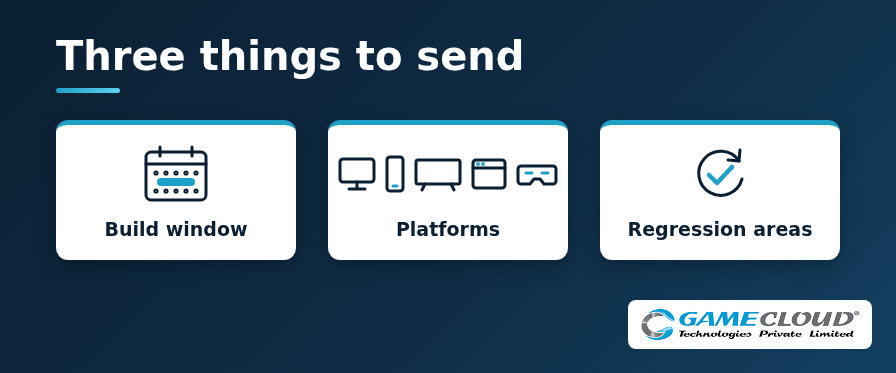
A useful QA scope starts with a few facts from the studio. When a producer writes in with a clear build window, a named list of platforms and the regression areas that matter most, the plan can be built around the real release instead of around assumptions. This guide explains what to put under each of those three headings, with examples, so your first email leads straight to a workable plan.
1. Your build window
The build window tells us when testing can start and when the results have to be in your hands. It shapes everything else in the plan, from how many testers run in parallel to how many fix verification rounds fit before your deadline.
- First build date: when the first test build will be ready, and how it will reach testers, for example a Steam beta branch, a TestFlight group, a Google Play testing track or a direct download.
- Results deadline: the date you need findings by, such as a store submission, a festival demo, a milestone review or a live update.
- Build cadence: how often new builds will land during the pass, whether that is daily, twice a week or a single release candidate.
- Fixed constraints: code freeze dates, public holidays or time zone limits that affect handover between your team and ours.
If dates are still moving, send your best estimate and say which date is fixed. A plan anchored to one firm deadline is easier to adjust than a plan with no anchor at all.
2. The platforms in scope
Name every platform and configuration the release has to support, then mark the ones that matter most. A single word like mobile or PC leaves too much open. A short list of devices, OS versions and storefronts lets the test bench match your players.
- PC: operating system versions, minimum and recommended specifications, GPU families, the storefront, and input methods such as keyboard and mouse or a gamepad.
- Mobile: the Android and iOS devices and OS versions you support, including the lowest-spec phone you intend to ship on and any tablet layouts.
- TV and Web: the TV platforms or streaming devices you target, and for browser builds the browsers, versions and any portal or embed that hosts the game.
- XR and other emerging platforms: the headsets or smartglasses, play modes and input methods, such as hand tracking or controllers.
If you have player device data, store analytics or a support log, share the top devices from it. That lets coverage lean towards the hardware your players own.
3. The regression areas you want covered
Regression testing checks that what worked in the last build still works in this one. It is also where a scope can grow fastest, so tell us where the risk sits.
- What changed: the features, systems or content touched since the last tested build, with release notes or a changelog if you keep one.
- Journeys that must hold: first launch, onboarding, saving and loading, purchases, multiplayer joins and any other flow a player meets every session.
- Known issues: the defects you are already tracking, so testers can verify fixes and skip duplicate reports.
- Out of this pass: any areas you want left alone this time, so effort goes where you need it.
A ranked list beats a long one. Three priority areas with clear notes tend to produce more useful findings than twenty areas with none.
Helpful extras if you have them
The three items above are enough to begin. If they are easy to share, a few extras sharpen the plan further:
- Your bug tracker and the severity scale your team already uses.
- Test accounts, save files or server environments that testers will need on day one.
- The reporting format you prefer, such as a daily summary, a defect list or a short note written for your producer.
- Any NDA or build access steps the team must complete before testing starts.
How the three items turn into a plan
With these facts in hand, the scoping conversation can focus on depth and timing rather than basics. A good scope maps each priority area to the platforms you named, sets a test depth for each pairing, and fits the testing rounds inside your build window. For more detail on test depth and platform prompts, see our multiplatform overflow QA scoping guide.
Ready to send your three things?
GameCloud has been testing games since FY 2010-11, for studios shipping on PC, iOS, Android, TV, Web, XR and other emerging platforms. If a build of yours is heading into QA soon, send those three things to Sales@GameCloud-Ltd.com along with the date you need results, and we will come back with a scope that fits.